
Description
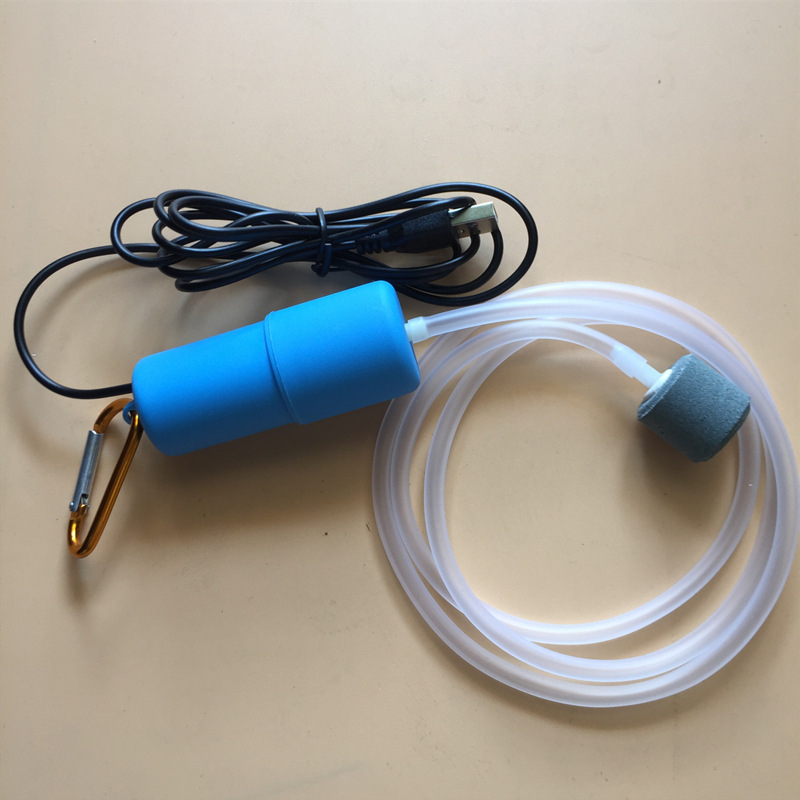
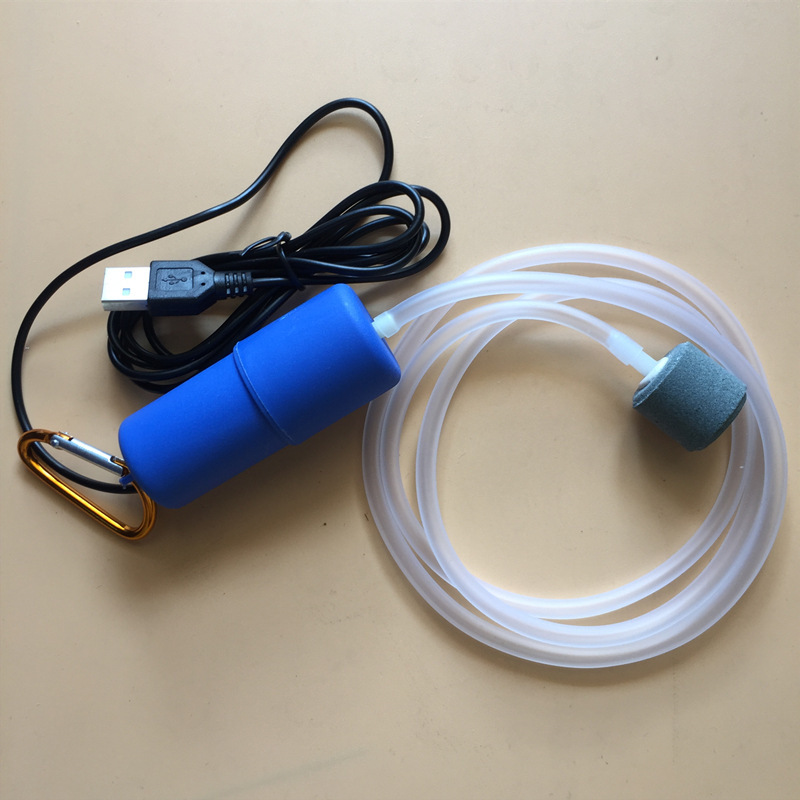
Run compact aeration from a standard USB power source at home, in a car or from a power bank. A useful product page should make compatibility and care clear before the item reaches the basket.
Before use: Check the selected option’s input type, required current, connector and whether an adapter or battery is included. Use only with a compatible certified power source.
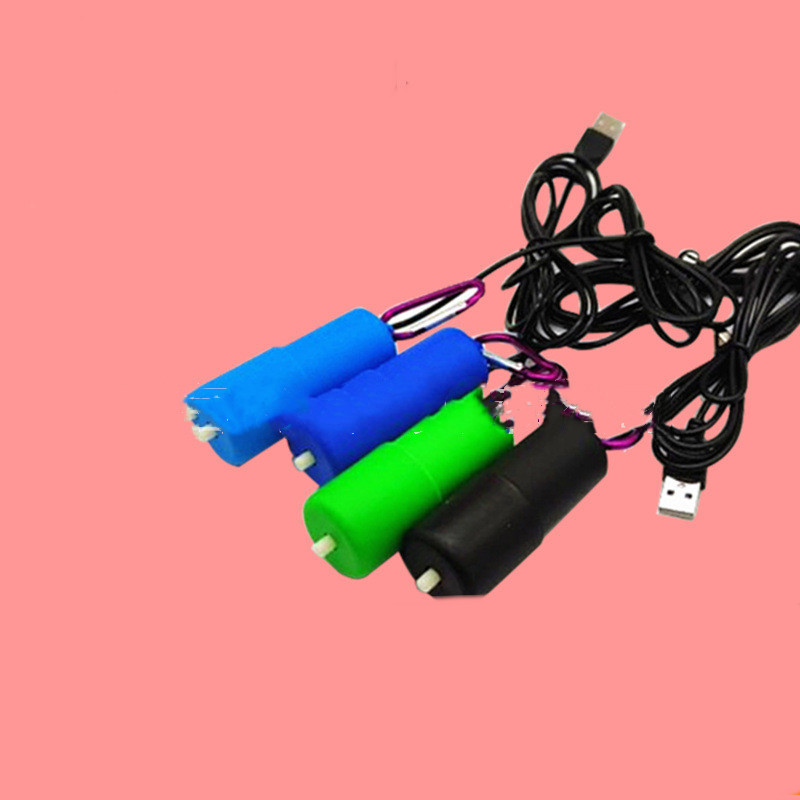
The current selector includes Color: Blue | Light Blue | Green | Black; style: USB plug. Clear option names and the original SKU make it easier to compare the item with the space and equipment already in your setup.
Confirm the voltage or USB supply and outlet count. Keep the pump dry and position it above the water line where possible. Take a moment to match the item to the space, supporting equipment and intended species.
Keep the pump dry and above the water line; the listing describes a non-charging USB model. Use the option selector and specifications together; the main image alone is not enough.
Why this product fits a considered setup
Run compact aeration from a standard USB power source at home, in a car or from a power bank. Its value comes from choosing the correct option and integrating it with the aquarium, terrarium or maintenance routine already in place.
Key features at a glance
- Run compact aeration from a standard USB power source at home, in a car or from a power bank.
- Available selection: Color: Blue | Light Blue | Green | Black; style: USB plug.
- Original product record retained under SKU CJYC1446926.
Available options and product details
| SKU | CJYC1446926 |
|---|---|
| Options | Color: Blue | Light Blue | Green | Black; style: USB plug |
| Noise | mute |
| Packing list |
How to use it
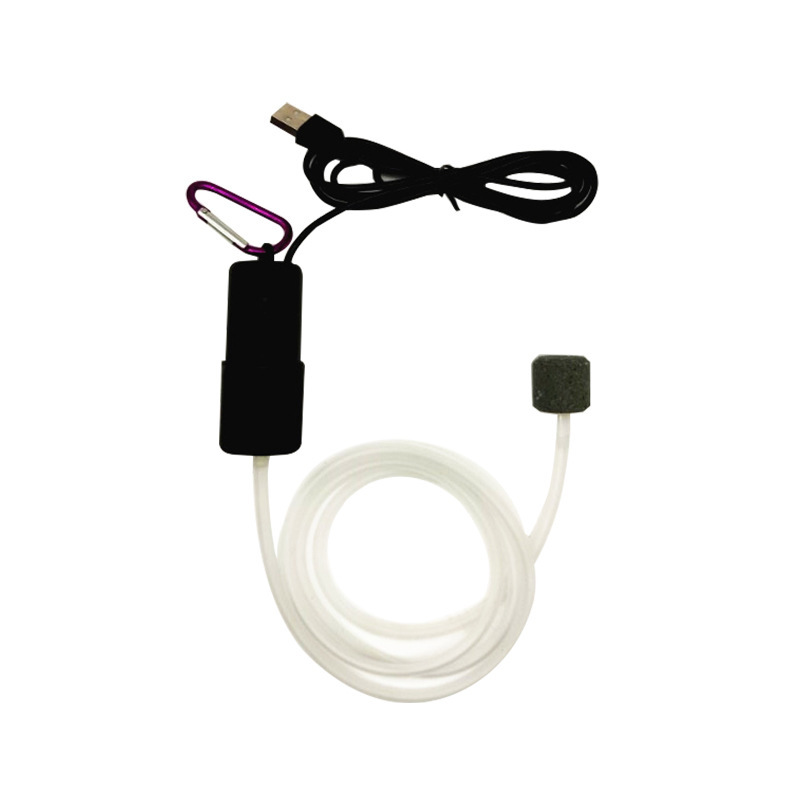
- Confirm the voltage or USB supply and outlet count.
- Keep the pump dry and position it above the water line where possible.
- Connect tubing, air stone and a check valve when needed.
- Adjust airflow and listen for unusual vibration.
Care and maintenance
Keep the pump dry and above the water line; the listing describes a non-charging USB model. Never use household soap or cleaning chemicals on surfaces or media that will contact aquarium water or animals.
What is included
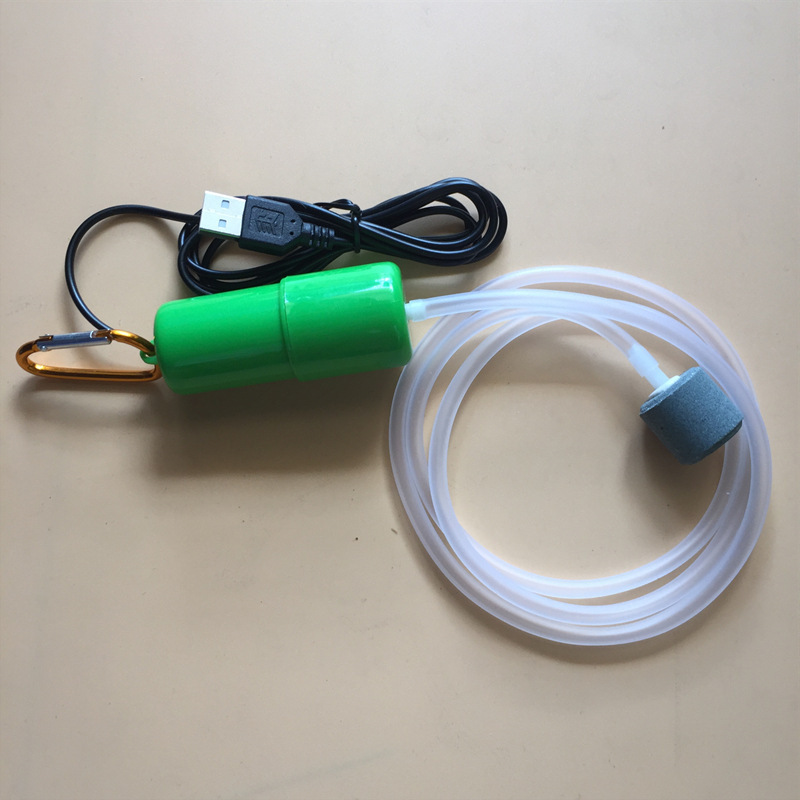
Packing list:
Before you order
Compare the selected option, dimensions shown in the product selector, power or plug requirements where relevant, and the needs of the intended species. Product photos show appearance; use the option name and listed product details for your final choice.
Which option should I choose?
Start with the available space, the existing equipment and the animal or aquarium requirements. Use the option selector rather than relying only on the main photograph.
Is it ready to use immediately?
Some items need rinsing, assembly, batteries, tubing, a pump, an adapter or other supporting equipment.
How should I clean it?
Use clean water and a dedicated aquarium or enclosure tool. Avoid detergents, fragrances and abrasive household cleaners.
What should I check after installation?
Watch stability, flow, temperature, noise and animal behaviour as applicable. Stop and adjust the setup if anything appears unsafe or unsuitable.
Explore more Aquascaping products or browse the complete Darasphere shop.
Reviews
There are no reviews yet.