
Smart Wi-Fi Automatic Fish Feeders: Which Features Are Actually Useful?
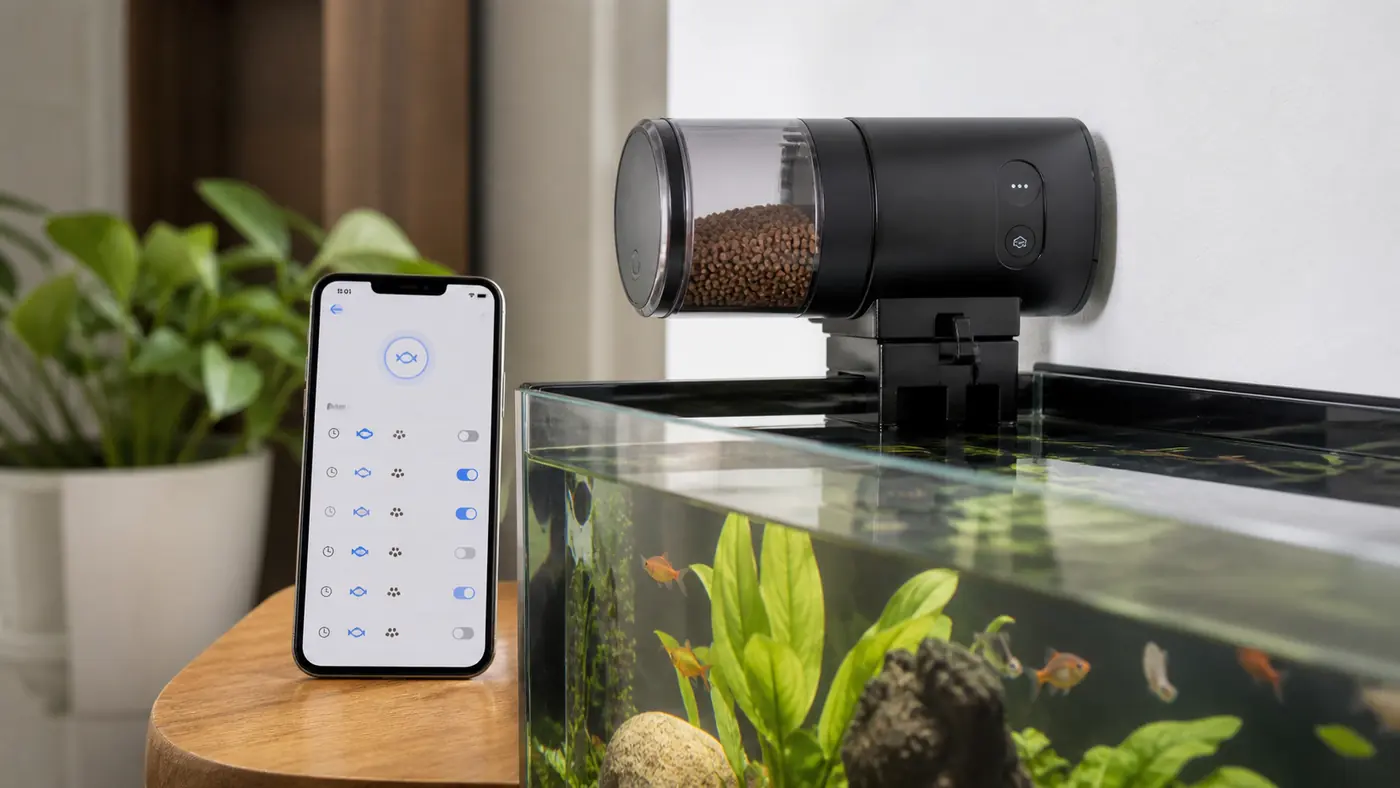
A phone notification can tell you that a feeder completed a command. It cannot prove that the correct amount of food reached the fish. (EHEIM autofeeder+ Wi-Fi Operating Manual) (EHEIM autofeeder 3581 Operating Manual)
That distinction matters when comparing a smart Wi-Fi feeder with a simpler timer. Connected features can improve visibility and control, but the mechanical parts still handle the difficult work: keeping food dry and releasing a consistent portion. (EHEIM autofeeder+ Wi-Fi Operating Manual) (EHEIM autofeeder 3581 Operating Manual)
Buy smart features when they solve a real problem—not because a colourful dashboard makes the feeder look more reliable.
What makes a fish feeder “smart”?
Depending on the model, connected features may include: (EHEIM autofeeder+ Wi-Fi Operating Manual)
- scheduling from a phone or browser;
- remote manual feeding;
- low-food notifications;
- jam or motor-error alerts;
- feeding history;
- camera or livestream view;
- integration with other aquarium equipment;
- voice-assistant control;
- multiple user accounts.
These features are not standard. Read the product documentation carefully and confirm whether important functions require an account, cloud connection or subscription. (EHEIM autofeeder+ Wi-Fi Operating Manual)
Remote scheduling: convenient, but easy to change
Editing a schedule from a phone is useful when physical controls are awkward. It also makes accidental changes possible.
A good interface should show the active schedule clearly, distinguish a feeding time from a portion setting and confirm whether a change was saved to the device. Take a screenshot of the final configuration and observe several cycles before relying on it. (EHEIM autofeeder+ Wi-Fi Operating Manual)
Use our automatic feeder setup and calibration guide even when the app claims setup is complete.
Remote manual feeding: use with restraint
The ability to feed from anywhere is attractive. It can also cause duplicate meals when two family members press the button or when a delayed video feed makes it appear that fish have not eaten. (EHEIM autofeeder+ Wi-Fi Operating Manual)
Look for a feeding history, user permissions and a clear confirmation. Agree on who controls the feeder. Remote access should not become remote guessing. (EHEIM autofeeder+ Wi-Fi Operating Manual)
Low-food and error alerts
Alerts are among the most useful smart features when they are based on a genuine sensor. Ask how the feeder determines that food is low. Does it measure the chamber, count rotations or simply estimate from the schedule? (EHEIM autofeeder+ Wi-Fi Operating Manual)
An alert that the motor turned is not proof that food flowed. Moisture can block the outlet while the feeder reports a completed cycle. A camera aimed at the drop point may provide more context, but it still needs a clear view and reliable connection. (EHEIM autofeeder+ Wi-Fi Operating Manual) (EHEIM autofeeder 3581 Operating Manual)
For mechanical prevention, read how to stop feeder clogs and damp food.
What happens when Wi-Fi fails?
This is the most important connected-feeder question.
Ideally, the schedule is stored locally and continues without internet access. Confirm:
- whether scheduled feeds continue offline;
- whether the clock remains accurate;
- what happens after a router restart;
- whether the feeder reconnects automatically;
- how missed commands are displayed;
- whether local buttons still work;
- whether an app or service shutdown would disable essential functions.
Source for the preceding checklist: EHEIM autofeeder+ Wi-Fi Operating Manual
Test a controlled disconnection while you are home. Do not discover the answer during a trip.
Power failure and backup behaviour
A mains-powered smart feeder may lose both power and Wi-Fi at once. Some models retain schedules; others restart or need manual reconnection. Battery backup can help, but it must be maintained. (EHEIM autofeeder+ Wi-Fi Operating Manual) (U.S. CPSC Home Electrical Safety Checklist)
Check whether the feeder reports a power event and whether the schedule is stored on the device or in the cloud. Route cables safely away from water. (EHEIM autofeeder+ Wi-Fi Operating Manual)
Cameras: useful evidence with limitations
A camera can show fish gathering or food falling, but placement matters. Condensation, reflections, darkness and a narrow view may make the image misleading. (U.S. FTC: Securing Home Cameras)
Do not use a camera as the only welfare check. It may not show a stopped filter, temperature change, leak or sick fish hiding outside the frame. A responsible person should still inspect the aquarium during an extended absence. (RSPCA: What to Feed Your Fish)
Use our holiday aquarium checklist to build the complete plan.
Privacy and account questions
Connected devices send information through apps and services. Before purchase, consider:
- what account information is required;
- whether video or device data is stored in the cloud;
- how long security updates are promised;
- whether multiple users have separate permissions;
- how to remove your account and data;
- whether the device supports current Wi-Fi security;
- whether it works on 2.4 GHz, 5 GHz or both.
Source for the preceding checklist: NISTIR 8425: Consumer IoT Core Baseline
Use a unique password and keep the app and device firmware updated. Do not expose a home camera feed publicly. (U.S. FTC: Securing Home Cameras)
Smart versus simple: a practical comparison
| Need | Simple timer | Smart feeder |
|---|---|---|
| Repeat a tested daily portion | Usually sufficient | Also suitable |
| Change schedule without touching device | Limited | Strong advantage |
| Receive low-food or error alert | Usually no | Possible, sensor-dependent |
| Work without internet | Usually yes | Must be confirmed |
| View feeding remotely | No | Camera models only |
| Minimise setup complexity | Strong advantage | More accounts and connectivity |
| Keep food dry and dispense consistently | Depends on mechanism | Still depends on mechanism |
If you do not need remote changes or alerts, a dependable simple feeder may be the better tool. See our buyer’s guide to automatic fish feeders for the core mechanical criteria.
Where a simple 24-hour feeder fits
A non-connected feeder avoids app and network dependencies, but check the current manufacturer documentation for timing, power, food compatibility and mounting before purchase. Suitability depends on a repeatable portion and supervised testing.
The trade-off is clear: less remote visibility, but fewer network dependencies. Suitability still depends on food, portion and mounting.
Frequently asked questions
Will a smart feeder continue if the internet goes down?
Some store schedules locally; others depend more heavily on connectivity. Check the specific documentation and test offline behaviour.
Does a “feeding complete” alert mean fish were fed?
Not always. It may only confirm that the motor ran. Food can still clump or miss the water. (EHEIM autofeeder+ Wi-Fi Operating Manual) (EHEIM autofeeder 3581 Operating Manual)
Is a camera feeder safer for holidays?
It adds information but does not replace calibration, equipment checks or a responsible person who can intervene.
Are smart feeders more accurate?
Connectivity does not guarantee mechanical accuracy. Compare the dispensing mechanism and minimum repeatable portion.
Smart should mean more useful information
The best connected features reduce uncertainty: clear schedules, meaningful alerts, local offline operation and a reliable view of what happened.
They should not distract from the basics. Food must stay dry, the portion must be tested and someone must be able to help when the screen shows a problem.
Build a reliable automatic-feeding setup
Start with a compatible feeder, then protect the routine with suitable water-care and maintenance equipment.
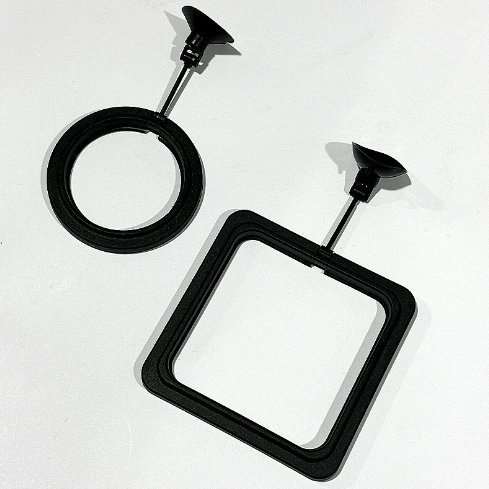
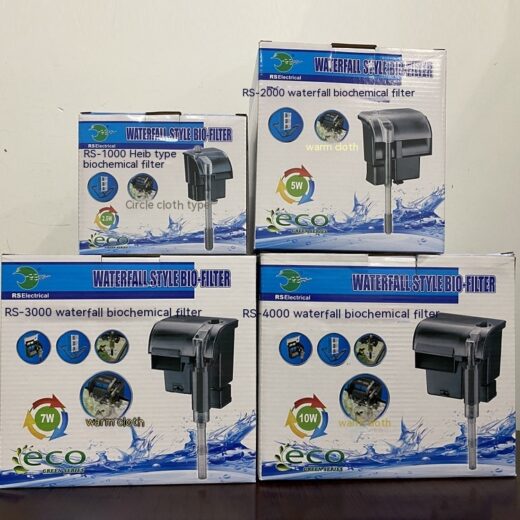
Aquarium Waterfall Bio Filter – RS1000 to RS4000
Products matched to this guide
Selected for relevance to the setup and needs covered above.
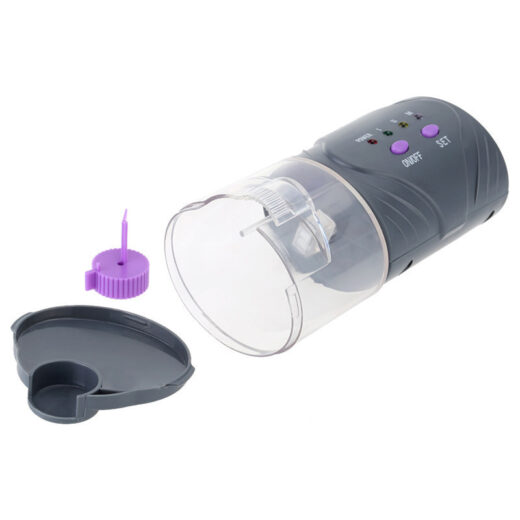
12/24-Hour Automatic Aquarium Fish Feeder
12/24-Hour Automatic Aquarium Fish Feeder — Schedule suitable dry food every 12 or 24 hours and…
View product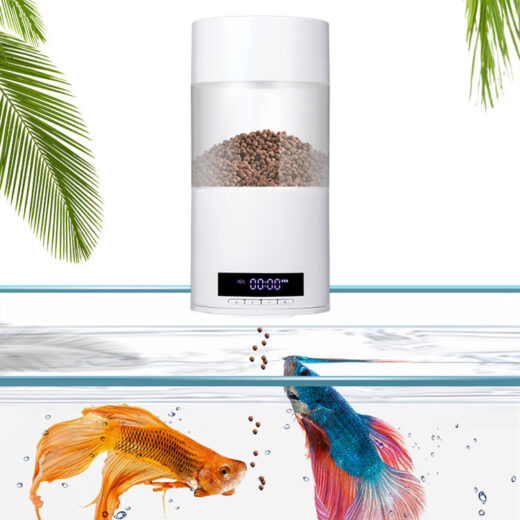
Automatic Aquarium Fish Feeder with 24-Hour Timer
500 ml automatic fish feeder with a 24-hour timer, USB cable and battery-operation option for repeatable…
View product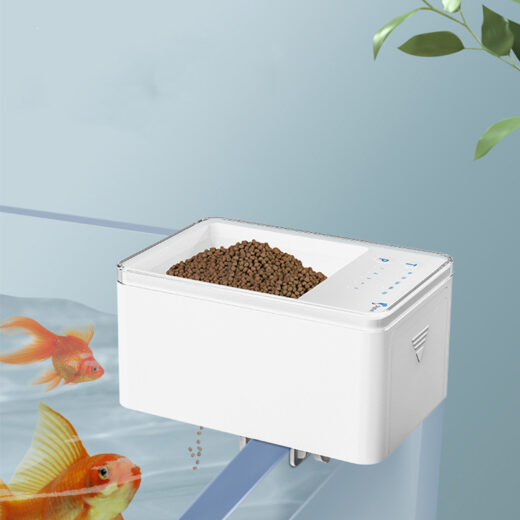
Digital Automatic Fish Feeder with LED Display – 500 ml
A compact 500 ml automatic aquarium feeder with an LED display, 24-hour scheduling and one-to-four daily…
View product